[Kotlin] how to show the input result on the screen using textview (call, enroll and use the variables and items from main.xml on kotlin file)
2022. 6. 19. 15:43ㆍ카테고리 없음
l RESULT

l EXPLANATION
1. designate the id on xml file
android:id="@+id/tvInput"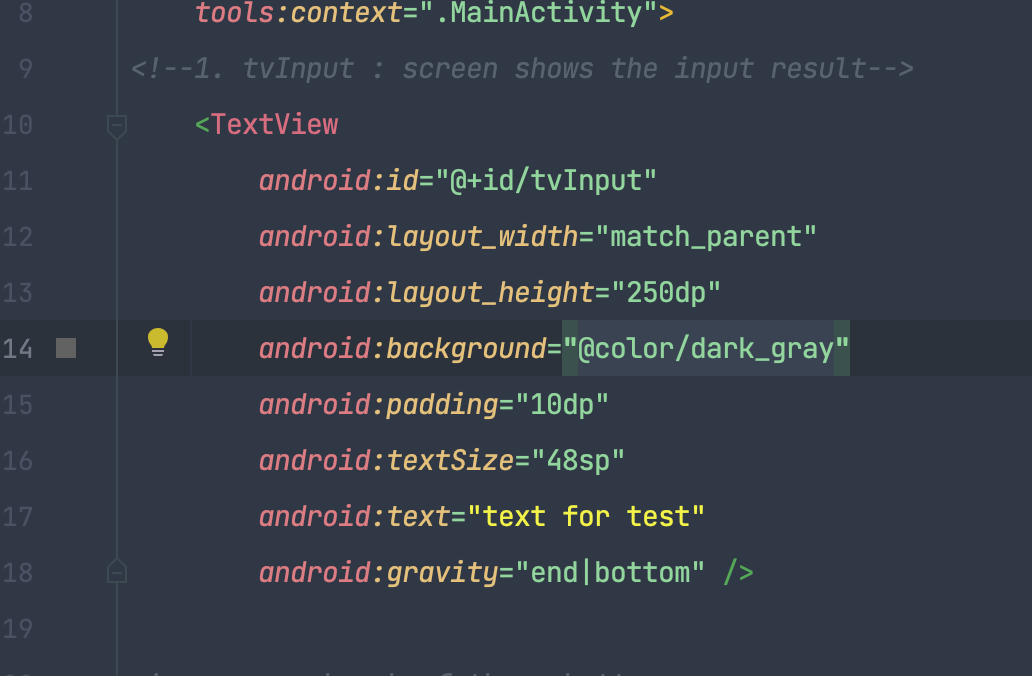
2. enroll the id on kotlin file
1) import
import android.widget.Button
import android.widget.TextView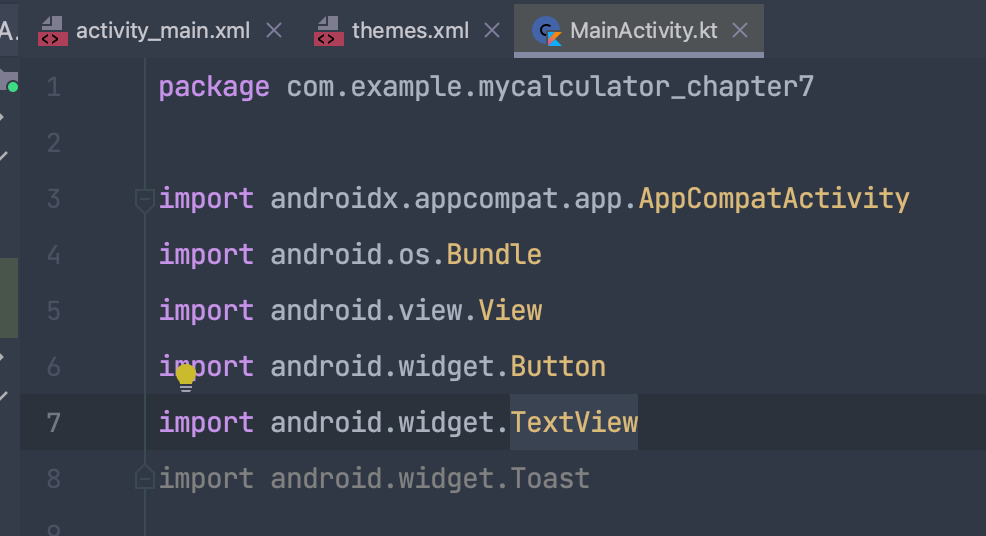
2) define the value
private var tvInput : TextView? = null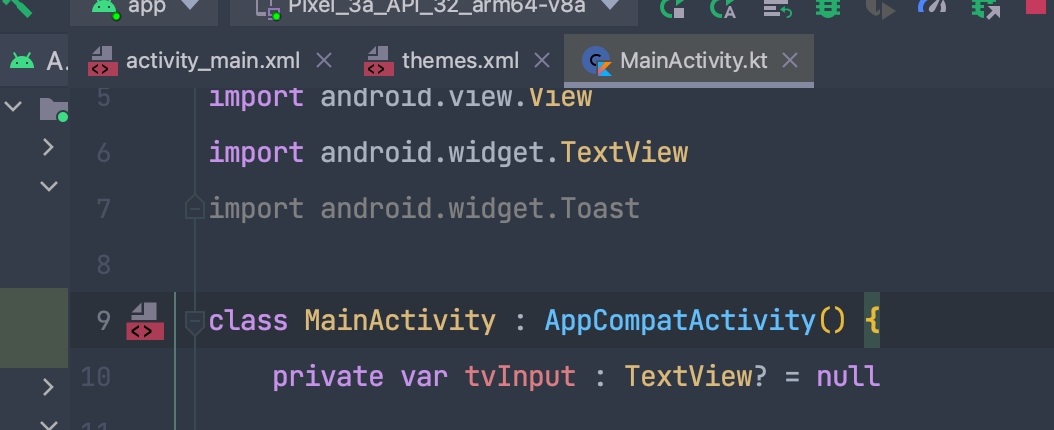
2) initialize the value using find view by
더보기
id + r. id. + (name of id)
tvInput = findViewById(R.id.tvInput)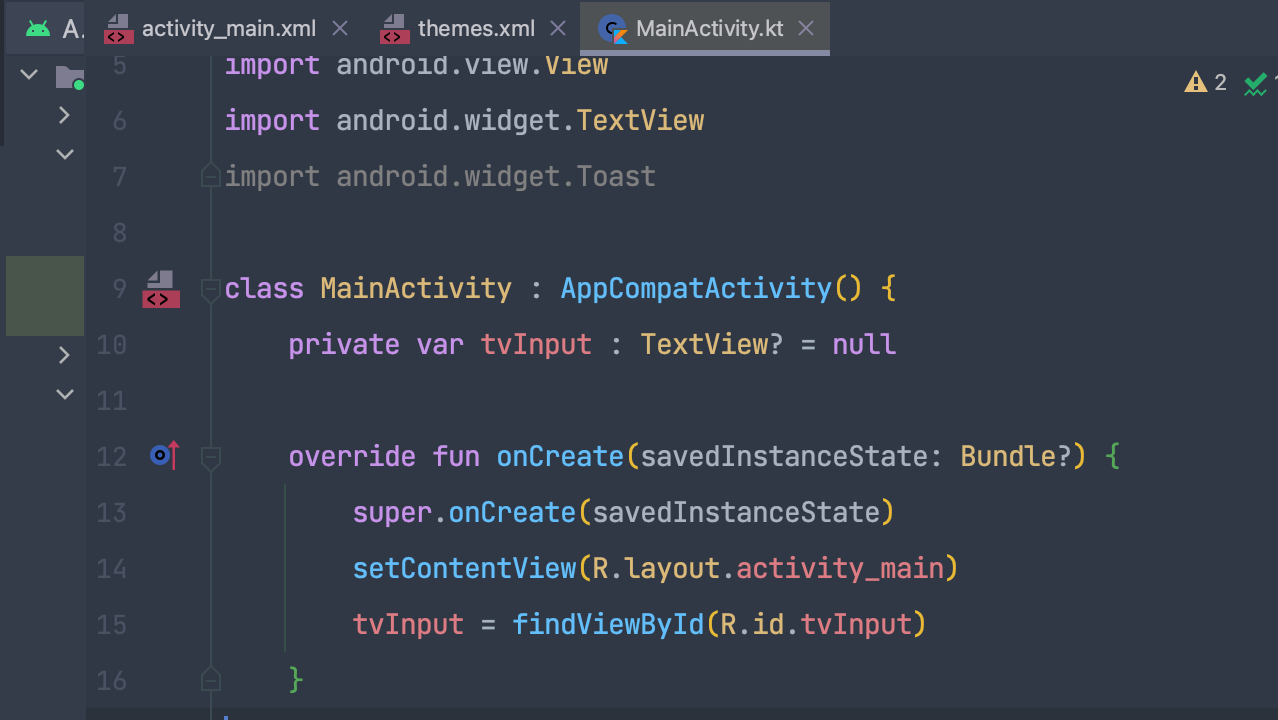
3. use the value on the method
1) set the value as button
this is possible becuase by using <onClick> in xml file, it delivers the button information to kotlin file through View.
android:onClick="onDigit"2) change into text
By regarding View, which has the information of buttons, as view, we can use the function ().text to change it into the text value.
l CODE
>> xml
<?xml version="1.0" encoding="utf-8"?>
<LinearLayout xmlns:android="http://schemas.android.com/apk/res/android"
    xmlns:tools="http://schemas.android.com/tools"
    xmlns:app="http://schemas.android.com/apk/res-auto"
    android:layout_width="match_parent"
    android:layout_height="match_parent"
    android:orientation="vertical"
    tools:context=".MainActivity">
<!--1. tvInput : screen shows the input result-->
    <TextView
        android:id="@+id/tvInput"
        android:layout_width="match_parent"
        android:layout_height="250dp"
        android:background="@color/dark_gray"
        android:padding="10dp"
        android:textSize="48sp"
        android:gravity="end|bottom" />

<!--    one bunch of three buttons-->
    <LinearLayout
        android:layout_width="match_parent"
        android:layout_height="wrap_content"
        android:orientation="horizontal"
        android:layout_weight="1"
        >
        <Button
            android:id="@+id/btnSeven"
            android:layout_width="0dp"
            android:layout_height="match_parent"
            android:layout_weight="1"
            android:layout_margin="2dp"
            android:text="@string/buttonSeven"
            android:onClick="onDigit"
            tools:ignore="OnClick,UsingOnClickInXml" />
        <Button
            android:id="@+id/btnEight"
            android:layout_width="0dp"
            android:layout_height="match_parent"
            android:layout_weight="1"
            android:layout_margin="2dp"
            android:text="@string/buttonEight"
            android:onClick="onDigit"
            tools:ignore="OnClick,UsingOnClickInXml"/>
        <Button
            android:id="@+id/btnNine"
            android:layout_width="0dp"
            android:layout_height="match_parent"
            android:layout_weight="1"
            android:layout_margin="2dp"
            android:text="@string/buttonNine"
            android:onClick="onDigit"
            tools:ignore="OnClick,UsingOnClickInXml"/>
        <Button
            android:id="@+id/btnDivide"
            android:layout_width="0dp"
            android:layout_height="match_parent"
            android:layout_weight="1"
            android:layout_margin="2dp"
            android:text="@string/buttonDivide"
            android:onClick="onDigit"
            tools:ignore="OnClick,UsingOnClickInXml" />
    </LinearLayout>
    <LinearLayout
        android:layout_width="match_parent"
        android:layout_height="wrap_content"
        android:orientation="horizontal"
        android:layout_weight="1"
        >
        <Button
            android:id="@+id/btnFour"
            android:layout_width="0dp"
            android:layout_height="match_parent"
            android:layout_weight="1"
            android:layout_margin="2dp"
            android:text="@string/buttonFour"
            android:onClick="onDigit"
            tools:ignore="OnClick,UsingOnClickInXml"/>
        <Button
            android:id="@+id/btnFive"
            android:layout_width="0dp"
            android:layout_height="match_parent"
            android:layout_weight="1"
            android:layout_margin="2dp"
            android:text="@string/buttonFive"
            android:onClick="onDigit"
            tools:ignore="OnClick,UsingOnClickInXml"/>
        <Button
            android:id="@+id/btnSix"
            android:layout_width="0dp"
            android:layout_height="match_parent"
            android:layout_weight="1"
            android:layout_margin="2dp"
            android:text="@string/buttonSix"
            android:onClick="onDigit"
            tools:ignore="OnClick,UsingOnClickInXml" />
        <Button
            android:id="@+id/btnMultiply"
            android:layout_width="0dp"
            android:layout_height="match_parent"
            android:layout_weight="1"
            android:layout_margin="2dp"
            android:text="@string/buttonMultiply"
            android:onClick="onDigit"
            tools:ignore="OnClick,UsingOnClickInXml" />
    </LinearLayout>
    <LinearLayout
        android:layout_width="match_parent"
        android:layout_height="wrap_content"
        android:orientation="horizontal"
        android:layout_weight="1"
        >
        <Button
            android:id="@+id/btnOne"
            android:layout_width="0dp"
            android:layout_height="match_parent"
            android:layout_weight="1"
            android:layout_margin="2dp"
            android:text="@string/buttonOne"
            android:onClick="onDigit"
            tools:ignore="OnClick,UsingOnClickInXml" />
        <Button
            android:id="@+id/btnTwo"
            android:layout_width="0dp"
            android:layout_height="match_parent"
            android:layout_weight="1"
            android:layout_margin="2dp"
            android:text="@string/buttonTwo"
            android:onClick="onDigit"
            tools:ignore="OnClick,UsingOnClickInXml"/>
        <Button
            android:id="@+id/btnThree"
            android:layout_width="0dp"
            android:layout_height="match_parent"
            android:layout_weight="1"
            android:layout_margin="2dp"
            android:text="@string/buttonThree"
            android:onClick="onDigit"
            tools:ignore="OnClick,UsingOnClickInXml"/>
        <Button
            android:id="@+id/btnSubtract"
            android:layout_width="0dp"
            android:layout_height="match_parent"
            android:layout_weight="1"
            android:layout_margin="2dp"
            android:text="@string/buttonSubtract"
            android:onClick="onDigit"
            tools:ignore="OnClick,UsingOnClickInXml" />
    </LinearLayout>
    <LinearLayout
        android:layout_width="match_parent"
        android:layout_height="wrap_content"
        android:orientation="horizontal"
        android:layout_weight="1"
        >
        <Button
            android:id="@+id/btnZero"
            android:layout_width="0dp"
            android:layout_height="match_parent"
            android:layout_weight="2"
            android:layout_margin="2dp"
            android:text="@string/buttonZero"
            android:onClick="onDigit"
            tools:ignore="OnClick,UsingOnClickInXml"/>
        <Button
            android:id="@+id/btnClear"
            android:layout_width="0dp"
            android:layout_height="match_parent"
            android:layout_weight="1"
            android:layout_margin="2dp"
            android:text="@string/buttonClear"
            android:onClick="onDigit"
            tools:ignore="OnClick,UsingOnClickInXml"/>
        <Button
            android:id="@+id/btnPlus"
            android:layout_width="0dp"
            android:layout_height="match_parent"
            android:layout_weight="1"
            android:layout_margin="2dp"
            android:text="@string/buttonPlus"
            android:onClick="onDigit"
            tools:ignore="OnClick,UsingOnClickInXml" />
    </LinearLayout>
    <LinearLayout
        android:layout_width="match_parent"
        android:layout_height="wrap_content"
        android:orientation="horizontal"
        android:layout_weight="1"
        >
        <Button
            android:id="@+id/btnEqual"
            android:layout_width="0dp"
            android:layout_height="match_parent"
            android:layout_weight="2"
            android:layout_margin="2dp"
            android:text="@string/buttonEqual"
            android:onClick="onDigit"
            tools:ignore="OnClick,UsingOnClickInXml" />
    </LinearLayout>

  </LinearLayout>
>> kotlin file
package com.example.mycalculator_chapter7

import androidx.appcompat.app.AppCompatActivity
import android.os.Bundle
import android.view.View
import android.widget.Button
import android.widget.TextView
import android.widget.Toast

class MainActivity : AppCompatActivity() {
    private var tvInput : TextView? = null

    override fun onCreate(savedInstanceState: Bundle?) {
        super.onCreate(savedInstanceState)
        setContentView(R.layout.activity_main)
        tvInput = findViewById(R.id.tvInput)
    }

    fun onDigit(view: View) {
//        Toast.makeText(this, "Button is clicked", Toast.LENGTH_LONG).show()
// nullble : if null, execute. else, do nothing
        tvInput?.append((view as Button).text)
    }
}
l another way
add this code after super.onCreate, inside the override fun onCreate( )
tvInput = findViewById(R.id.tvInput)
btnONe= findeViewById(R.id.btnOne)
btnOne.setOnClickListener{
    tvInput?.append((view as Button).text)
}